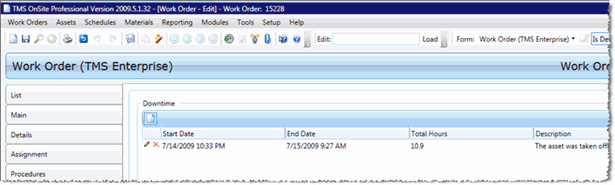
Downtime Tab
Use the Downtime tab of the Work Order Edit screen to record information about when the asset associated with your work order will be unavailable or "down."
If you can't see the Downtime tab go to Setup > General > Options. In the General area, select the check box next to Show Downtime. Then click Save.