Standard Form Reference: Work Order (Multiple Assets) Form
The Work Order (Multiple Assets) form is nearly identical to the Work Order (TMS Enterprise) form, except that it contains an Assets tab, rather than a single Asset field on the Main tab of the form.
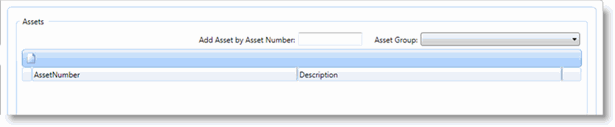
The Assets tab of the Work Order (Multiple Assets) form contains the Assets grid. If assets associated with the work order will be listed in this grid. If an asset group is associated with this work order, all of the assets within this group will be listed in the grid.
The Assets grid allows you to add assets or an asset group, on the fly, with the Add Asset by Asset Number field. Assets in the grid can also be reordered in the grid.