Configure Dispatch Options
On the Dispatch Options screen, you can set three options for Dispatch:
-
Default Query Results - The default data source to use on the Query Results screen
-
Default Quick Print Report - The default data source to use when the Quick Print button is selected
-
Default Form - The default form for Dispatch to use
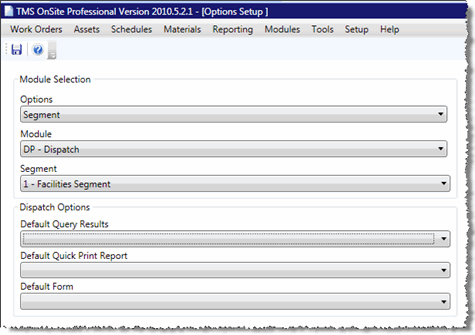
To set up these options, follow the steps below:
-
In the Setup menu, select Work Order > Dispatch Options
- (missing or bad snippet)
-
Click the drop-down menu for the option you want to set
-
Select a data source or form from the drop-down menu to be the default value
-
Click Save