The Dashboard (MAIN) Standard Form
Update Notice:
The content below has been updated to reflect functionality from the latest maintenance release. There may be differences in the functionality available to you, in the version of TMS you are using.
To get you started in TMS Dashboard, Four Rivers includes a standard Dashboard form with six tabs containing many of the report and chart widgets, RSS feeds, and links that you are likely to use frequently from day-to-day. In this topic, we will give you a brief overview of the contents of each tab.
Active WO PM Schedule Tab
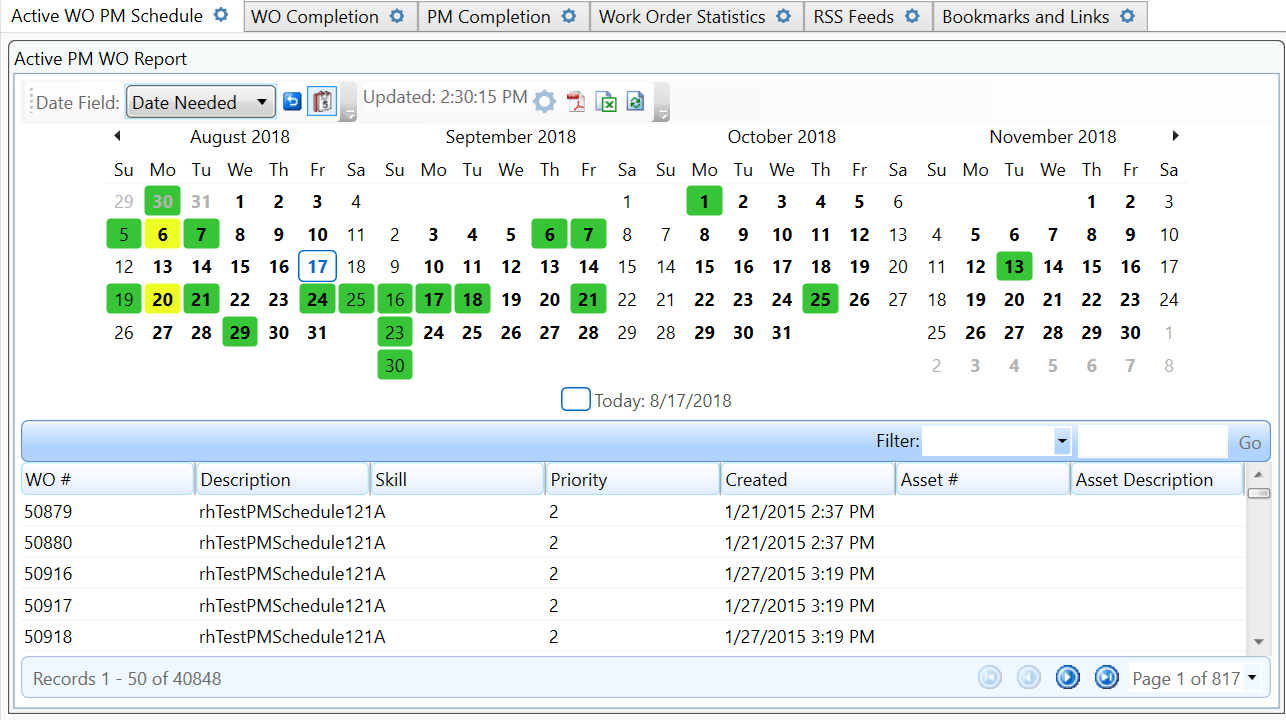
This tab contains the Active PM WO report, with the Show Calendar option enabled. The calendar has the DateNeeded field highlighted in the screen shot above.
WO Completion Tab
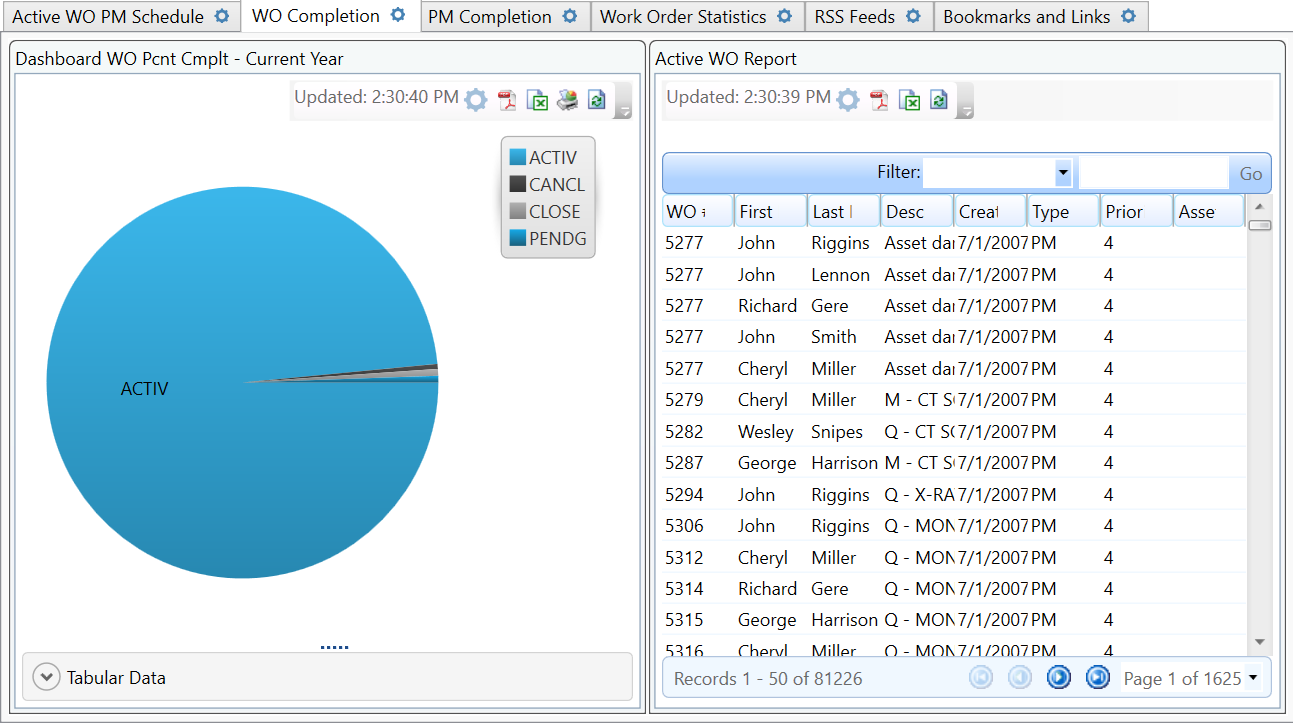
This tab contains the Dashboard WO Pcnt Complt - Current Year report shown in pie chart form, and the Active WO Report is in the pane next to it.
PM Completion Tab
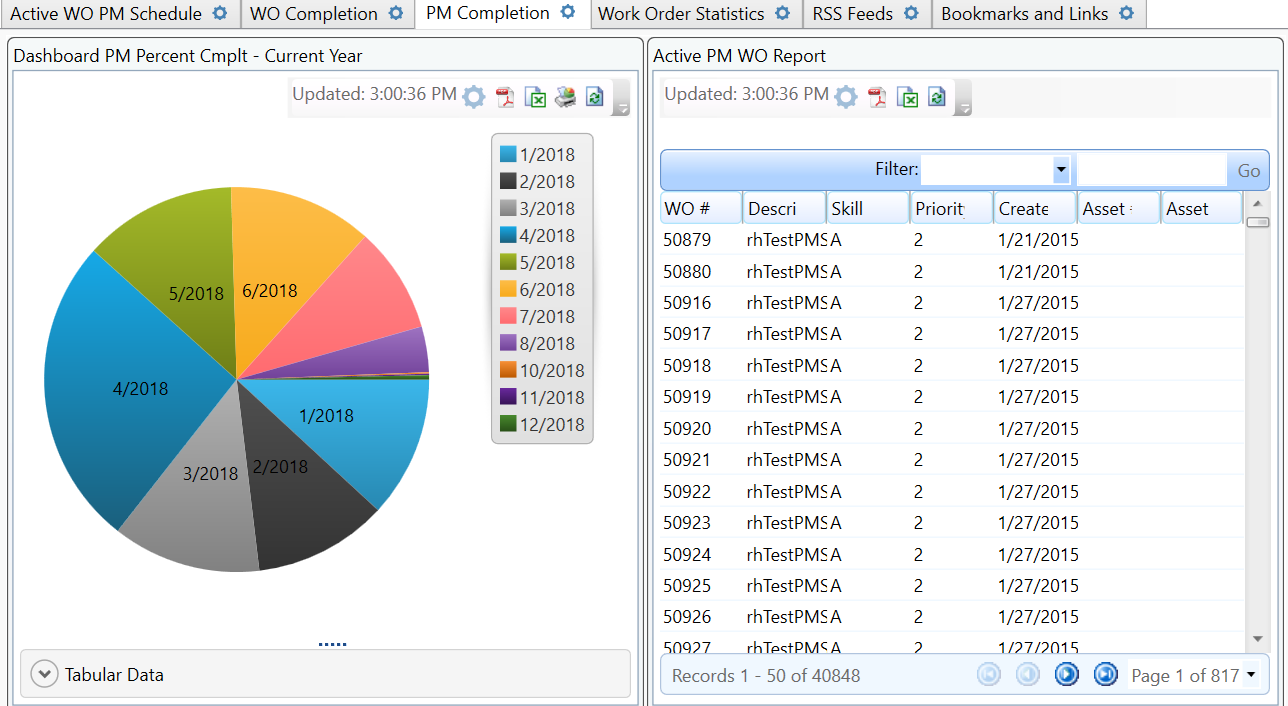
This tab contains the Dashboard PM Percent Complt report, also shown in pie chart form, and the Active PM WO Report is in the pane next to it.
Work Order Statistics
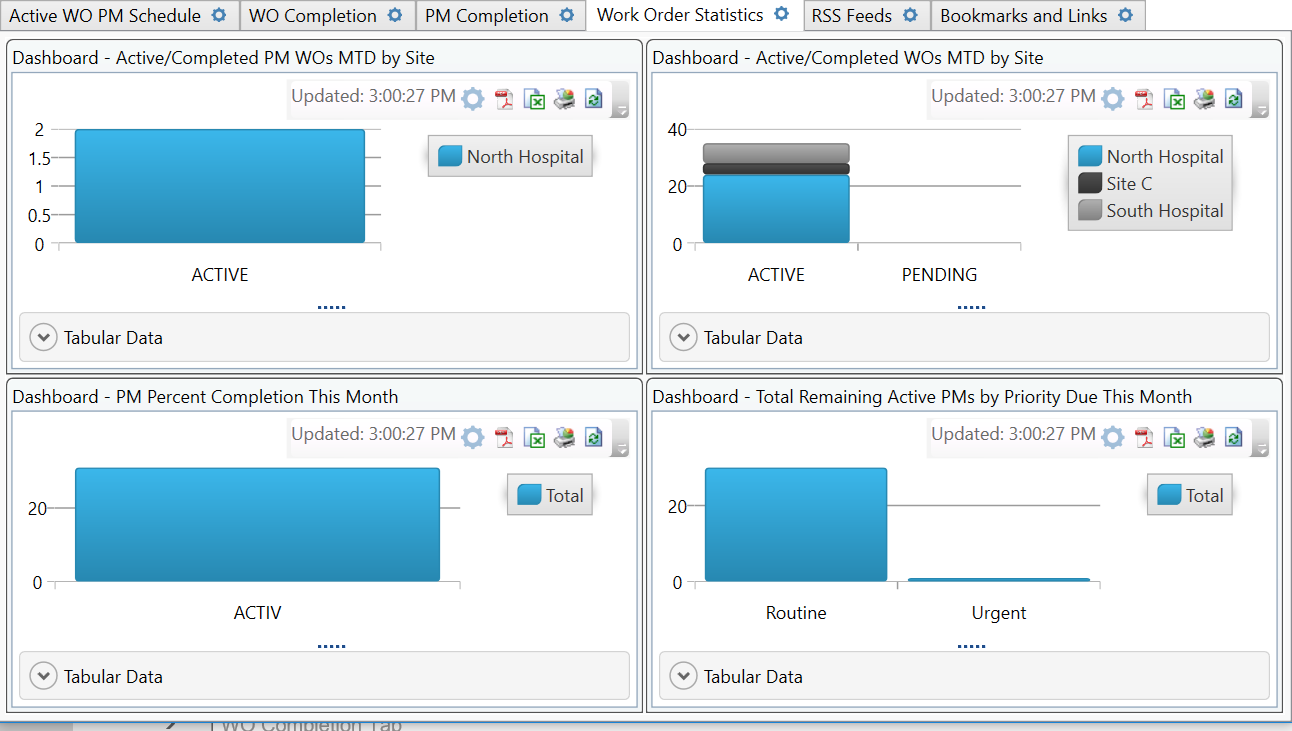
This tab contains these reports, all on column chart form:
-
Dashboard - Active/Completed PM WOs MTD by Site
-
Dashboard - Active/Completed WOs MTD by Site
-
Dashboard - PM Percent Completion This Month
-
Dashboard - Total Remaining Active PMs by Priority Due This Month
RSS Feeds Tab
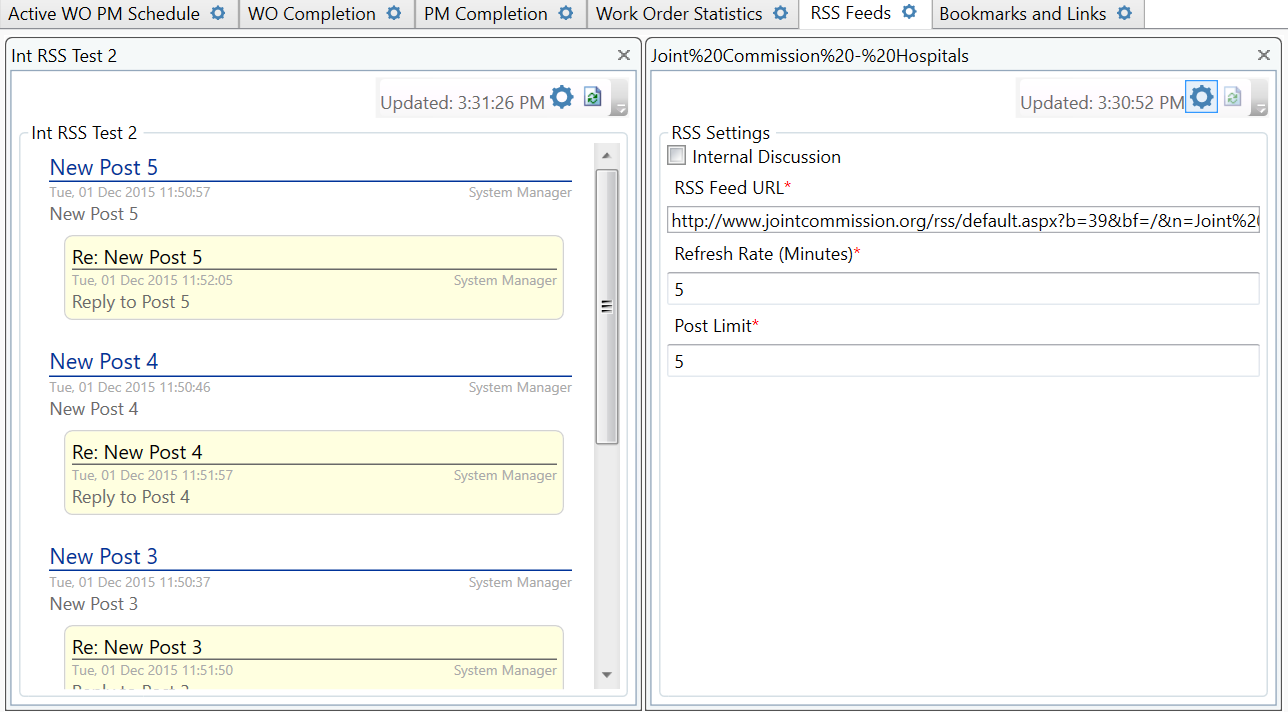
This tab contains these feeds:
-
Joint Commission News Releases
-
Joint Commission Hospitals
-
HealthcareITNews
-
ECRI Institute News Room
Bookmarks and Links
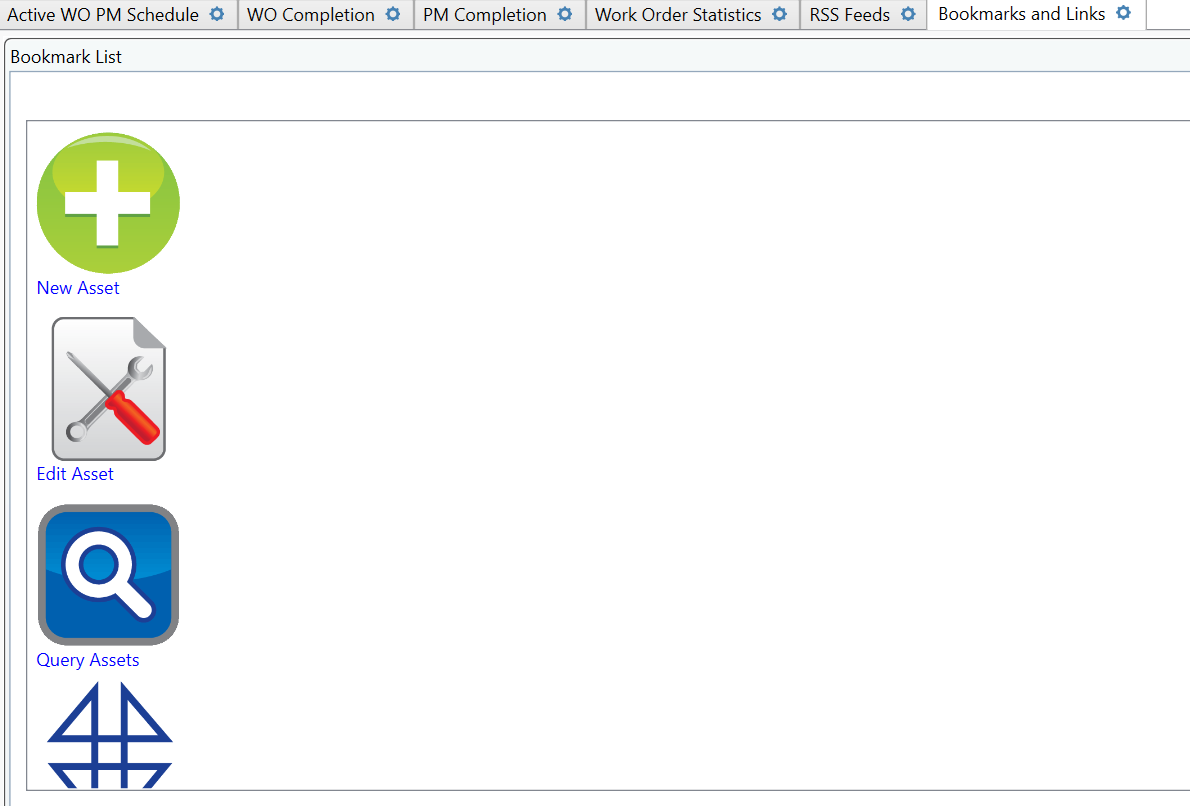
This tab contains links to these screens:
-
Work Order New
-
Work Order Edit
-
Work Order Query
-
Asset New
-
Asset Edit
-
Asset Query
In the bottom-left pane, you will also see a link to the www.frsoft.com and a link to the Customer Care Center (http://support.frsoft.com/ccc).