Introduction to Dashboard
The goal of TMS Dashboard is to show the user useful and actionable information. Since the importance and priority of this information changes from user to user, the dashboard can be fully customized. There is no limit to the number of dashboards that can be created. A dashboard can be created at the department level, showing reports and charts that are pertinent to the department. Or, dashboards can be created for specific user roles. The TMS administrator then makes a dashboard available to TMS users or groups of users.
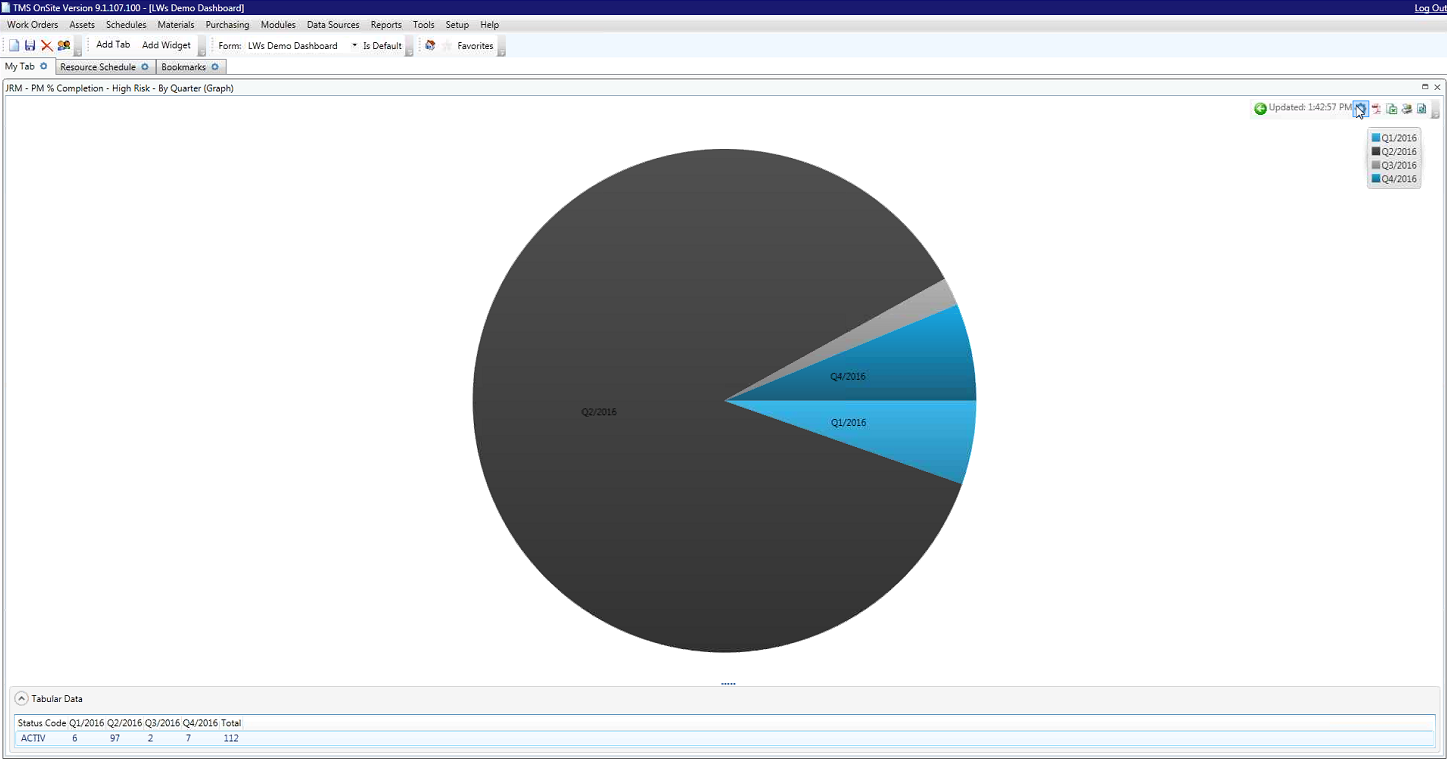
The TMS Dashboard Designer is used by TMS administrators to create custom dashboards. Dashboards are customized by adding, editing and positioning widgets in a tabbed layout. A widget represents an element that can be placed on the dashboard, such as charts, reports, RSS feeds, and bookmarks. Widgets can be customized by their properties settings. The following is an example of a dashboard displaying a chart.