Create an Asset
You create, edit, and query assets in TMS Anywhere in much the same way you create, edit, and query work orders in TMS. There are differences, but for the most part, if you are familiar with the Asset module in TMS you will have no trouble with the Asset module in TMS Anywhere.
To create a new asset using Asset New, follow these steps:
-
Click Asset New link on the TMS Today page.
-
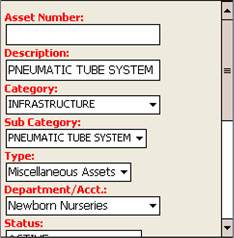
Fill in the required fields which are shown in red.
-
If you want to save the asset now, you can click Save at the bottom of the screen, or you can click the link for one of the other screens and enter other optional information on those pages.
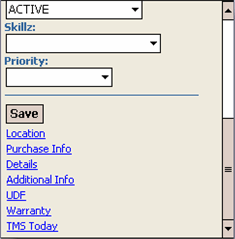
Information can still be added to the additional, optional screens will still be available after you save the asset by going to the Asset Edit page.
-
When you are done adding information to the asset record and click Save, you are taken to the Asset Edit page.