New Siterra Preview
Preview additional updates in new Siterra, our modernized interface. The preview is not a finished product, but gives you the opportunity to review the new look and provide feedback.
In each release we build upon the new Siterra functionality we added in the previous release.
The new Siterra preview is unavailable by default. Contact Accruent Support with this subject line to sign up and evaluate the preview:
Request technical preview of new Siterra UI in UAT
When Support enables the preview:
-
Select New Siterra (upper-right) to switch to the new interface.
-
Select it again to return to Classic Siterra.
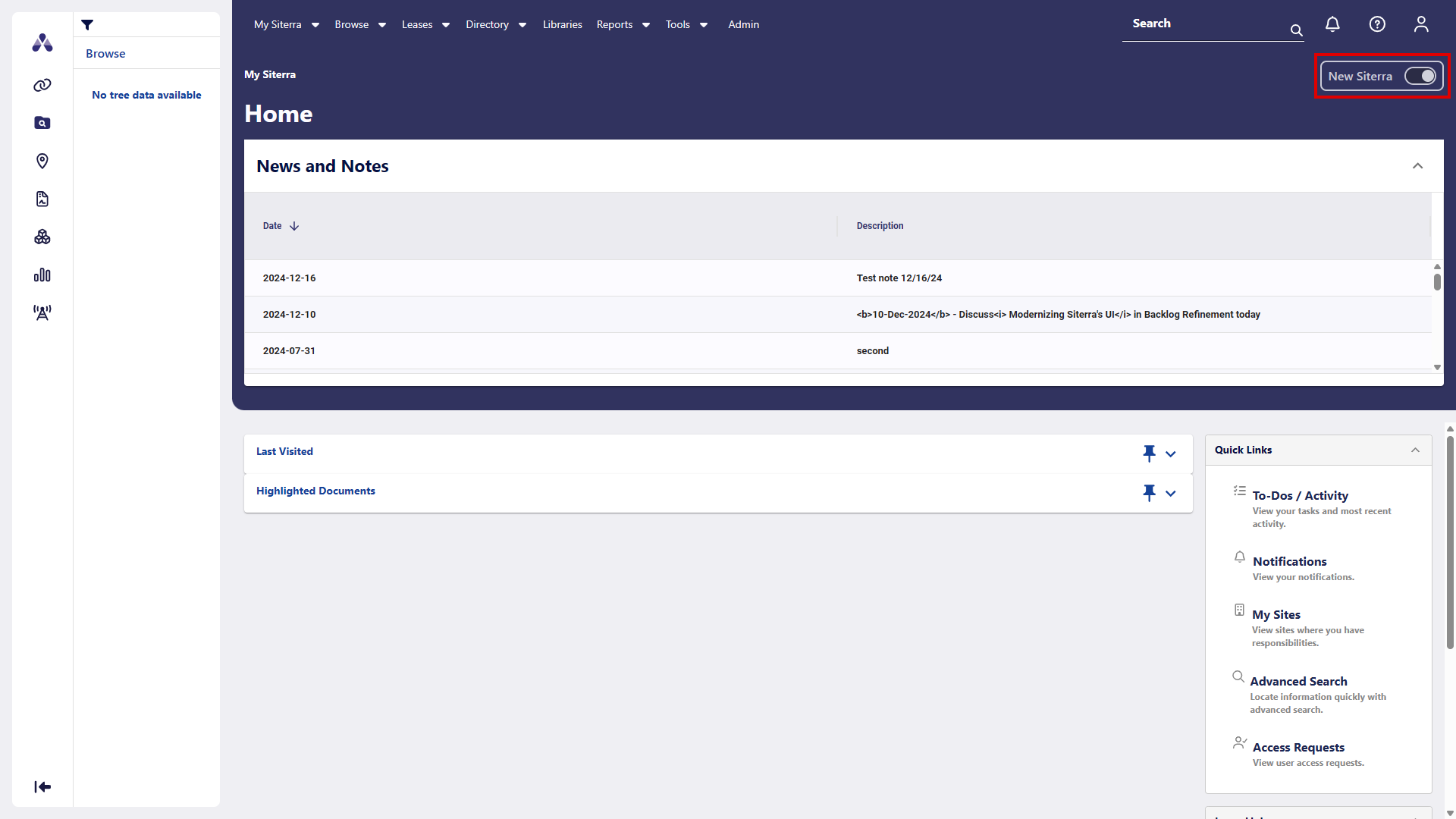
Most menus and options work the same as classic Siterra. If you open something that isn’t available yet, Siterra shows the classic page or dialog and continues operating normally.
Here's a list of areas where we added to new Siterra preview for each release
Each release is listed in reverse-chronological order. Select a link to view the preview notes.
|
Production Release Date |
Release |
Summary |
|---|---|---|
|
November 14 |
|
|
|
October 10 |
|
|
|
September 12 |
|
|
|
August 8 |
|
|
|
June 6 |
|
|
|
April 11 |
|
|
|
February 7 |
|