Manually Update Title or Number from the Artefact Page
Roles Required:
-
Bucket Administrator - All Artefacts
-
Group Administrator ONLY for artefacts in their group
RedEye utilises tools to automatically detect Drawing Titles and Numbers from the native file, and populate this as an Artefact Title or Artefact Number. Occasionally the titles may be detected incorrectly, or other artefacts such as documents may have been entered incorrectly during uploading.
To remedy this, we have provided a feature that will allow you to change the Artefact Title and Number from the Artefact Page.
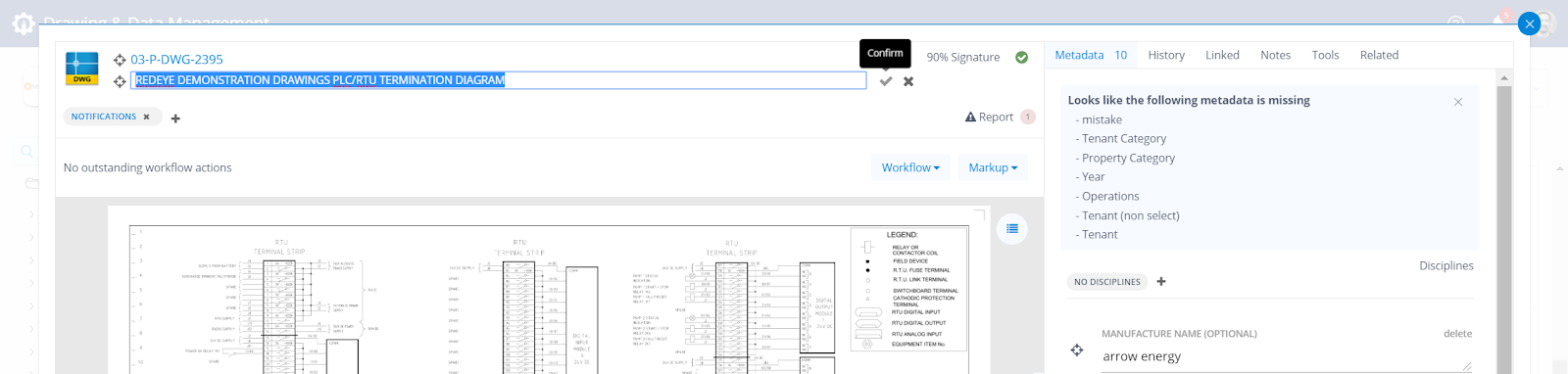
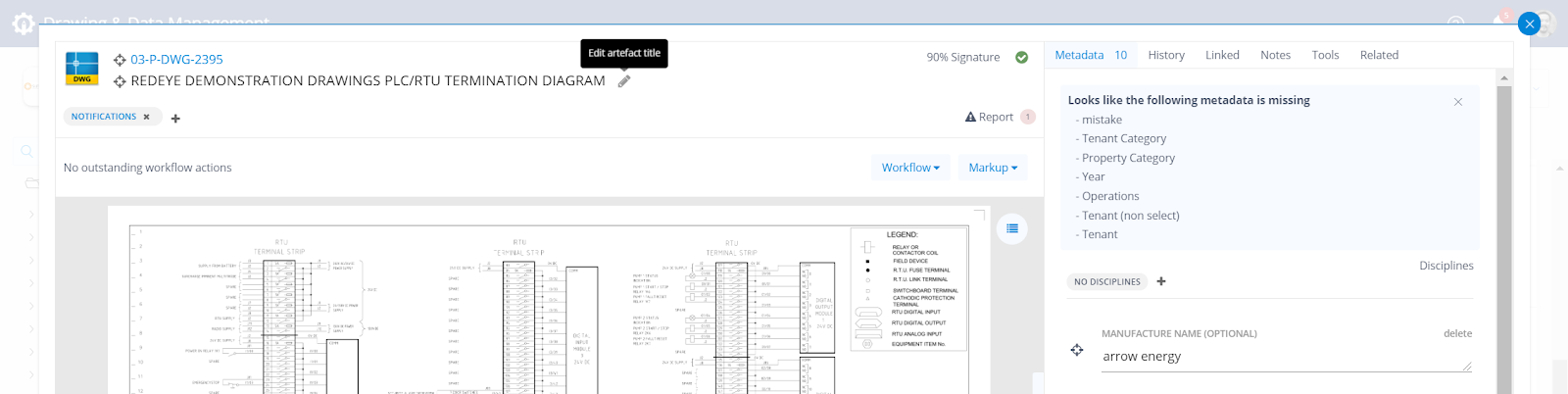
Mouse over the Title or Number and an edit icon will appear. Click the icon, and make your changes.

Finally, click Confirm to save your changes.