Delegate Reviewer/Approver
Where enabled on a Workflow, the Delegate Reviewer function enables a user to specify another user to complete the next Review or Approval step, regardless of group roles held by that user.
NOTE: The delegated Reviewer will be enabled to perform the Review/Approval when it is delegated to them, regardless of whether they would normally have permission.
Warning: Though any user can be delegated, the workflow design itself may require that user to hold a role to allow a change workflow to occur as an outcome of an approval. While the user can action the Review/Approval step, the process may fail due to permission checks on the change workflow action and that user receives an email notifying them that the Review/Approval failed. Contact Support if this happens.
Delegate Reviewer can be performed when the below actions occurs
-
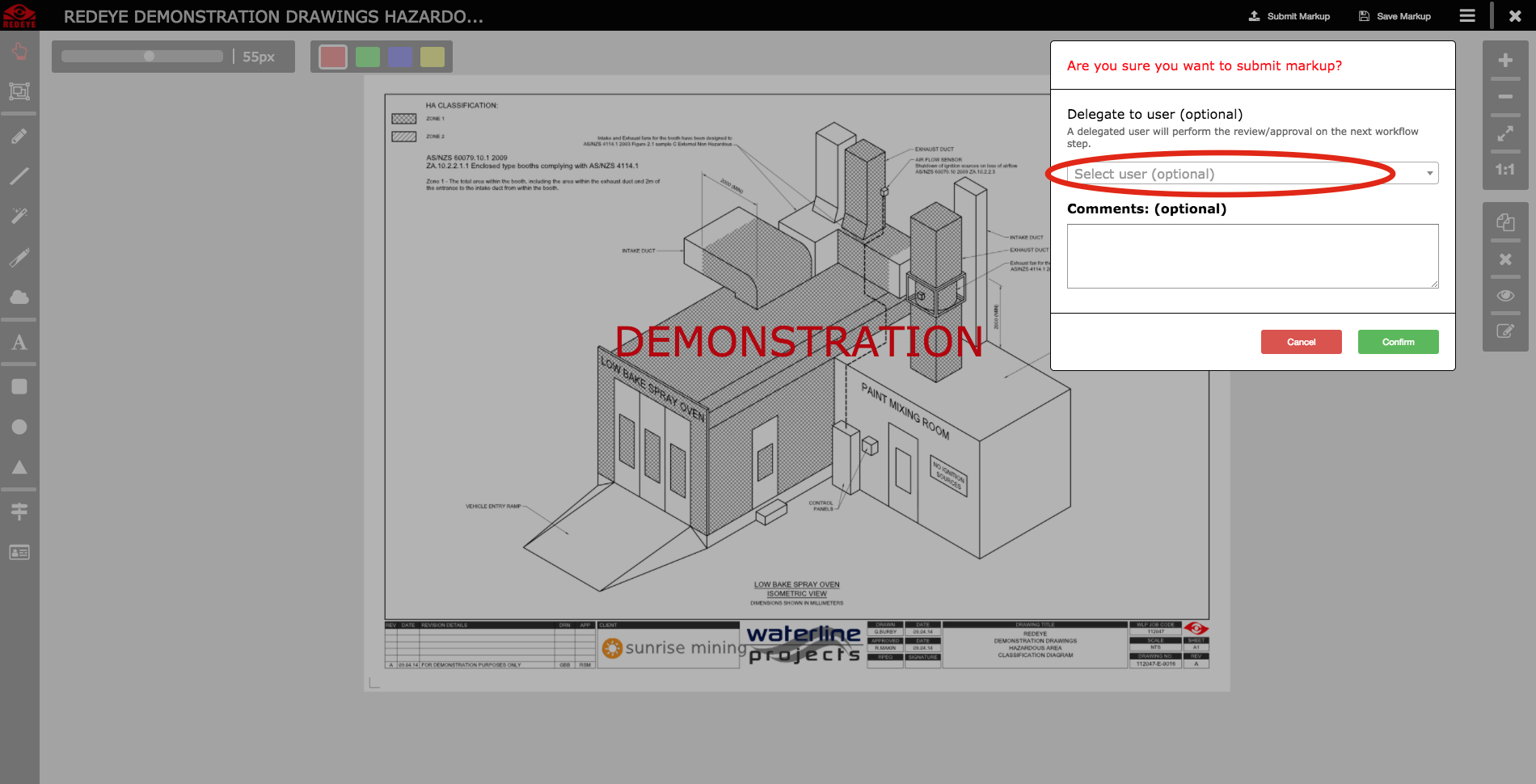
Submitting an on screen Markup
-
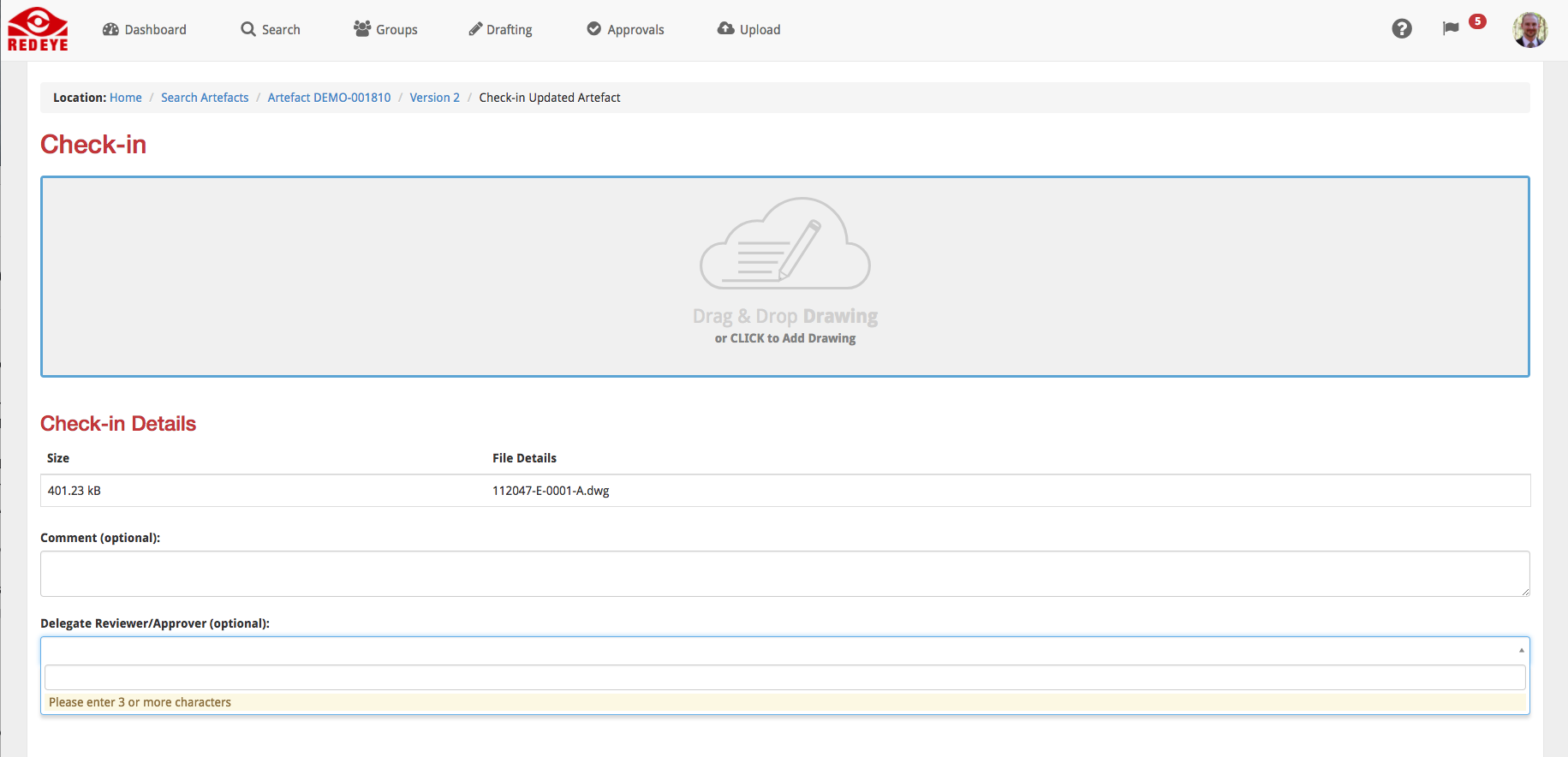
Performing a DraftingCheck-In step
-
Submitting a Review/Approval
To Delegate a Reviewer, simply input their email address into the Delegate to user field when submitting your Check-In or Approval.