Alerts for declined mark-ups
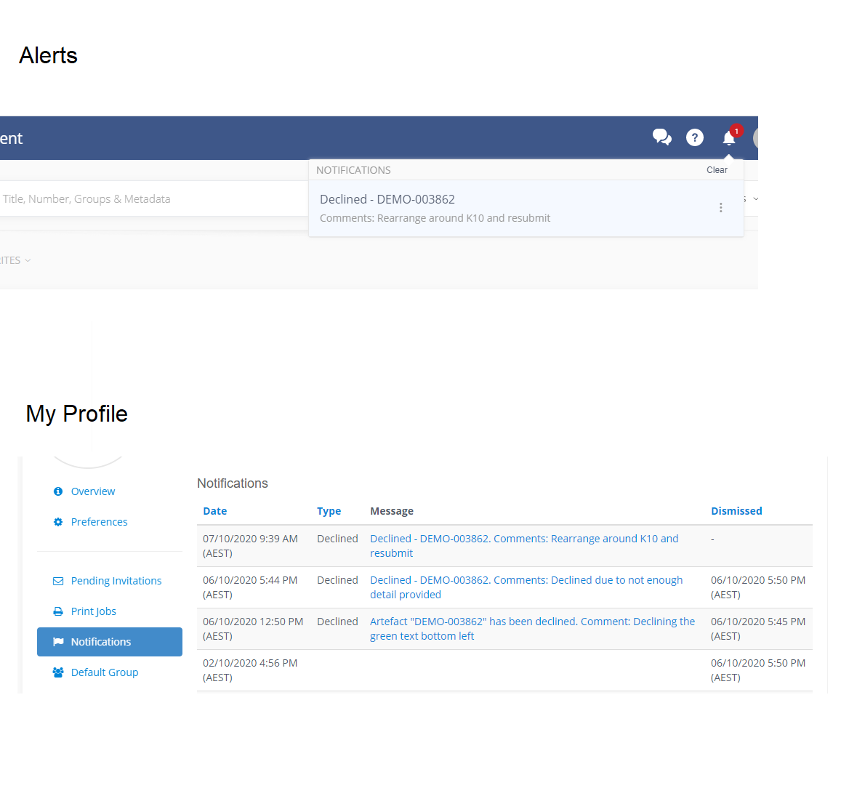
There is a now a site-wide setting that enables the sending of alerts to Markup submitters when a markup they submitted has been declined. The alert will include any comments entered for the Decline. Users will receive an email, and can see a notification in the alerts section on the Web App and Mobile App.
Mobile
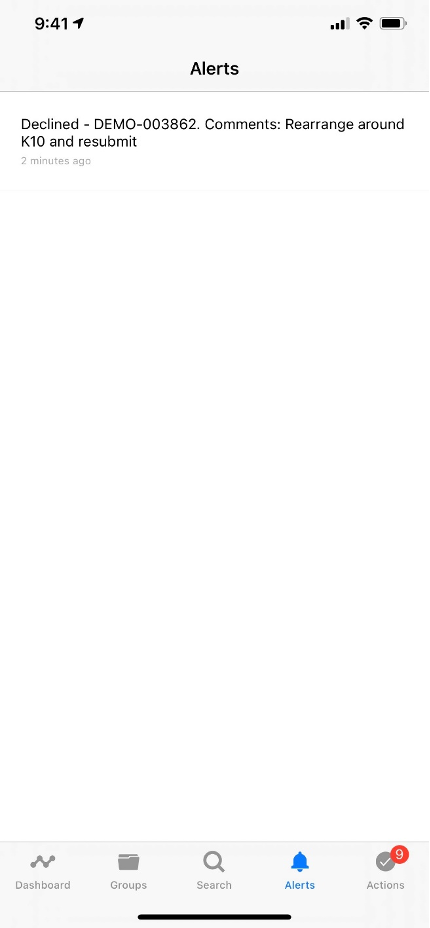
The alert shows the Artefact Number and the comments from the Decline action. Tapping on the alert will take a user to Artefact Page.
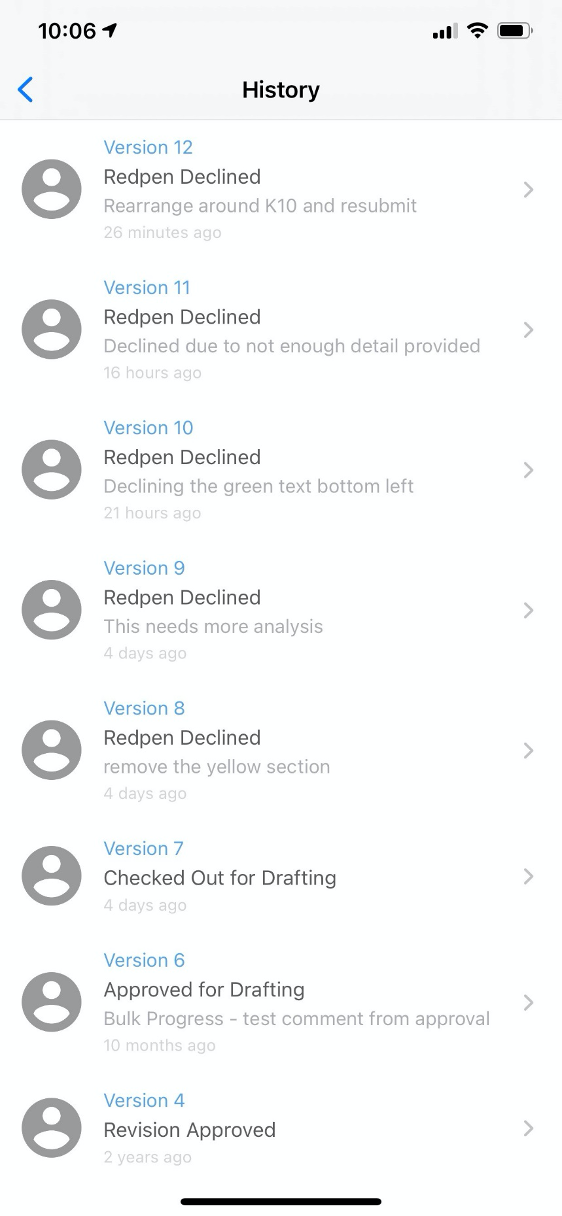
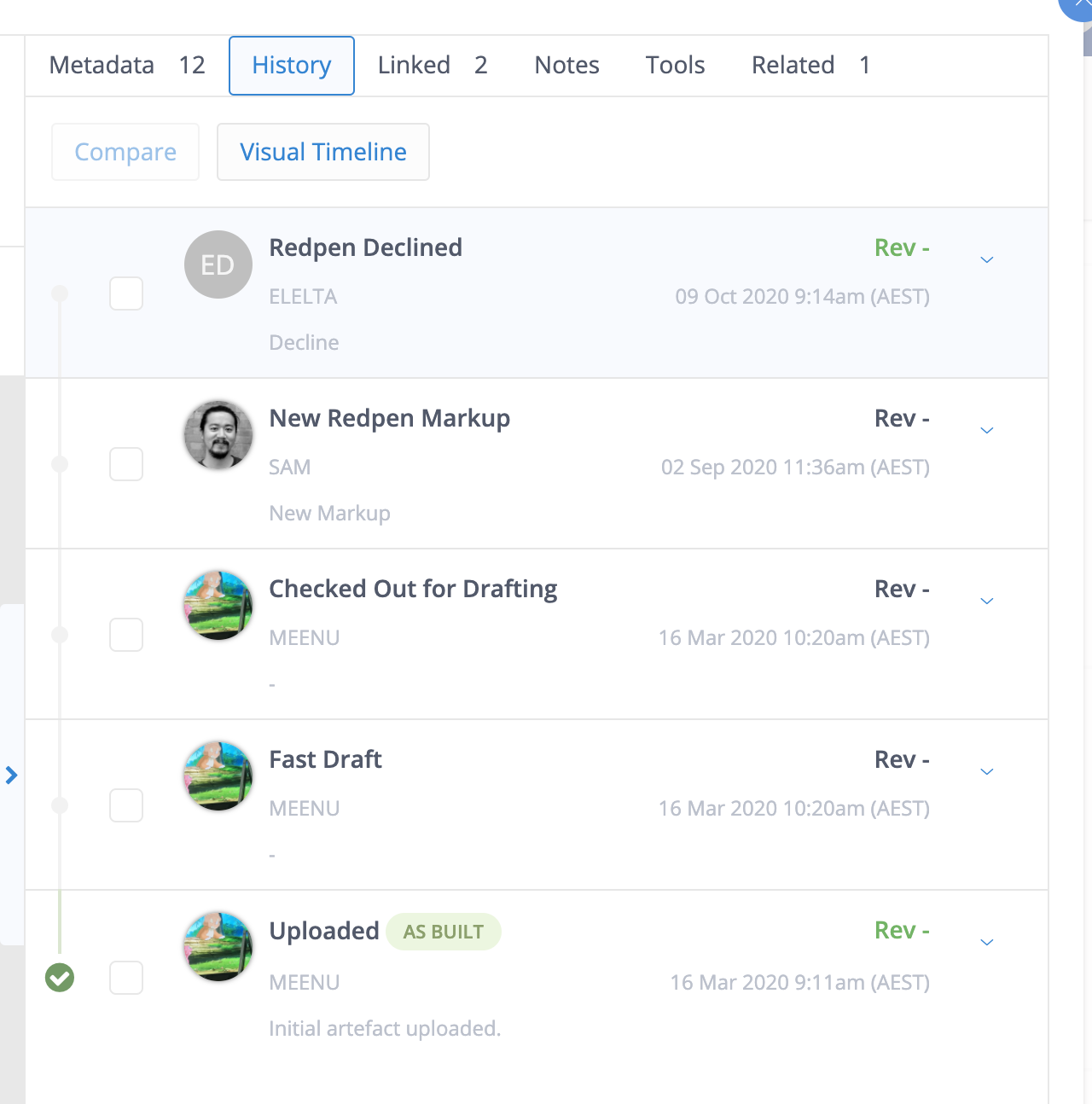
On Artefact Page, the Decline status including the comments will be shown in the History tab.
The Alerts menu item doesn’t have an indication on it when a new alert has been received. Unfortunately, as there are no push notifications either, if the user is in the app they won’t be ‘alerted’ that there’s a new decline.
However, users will receive an email notification.
Web
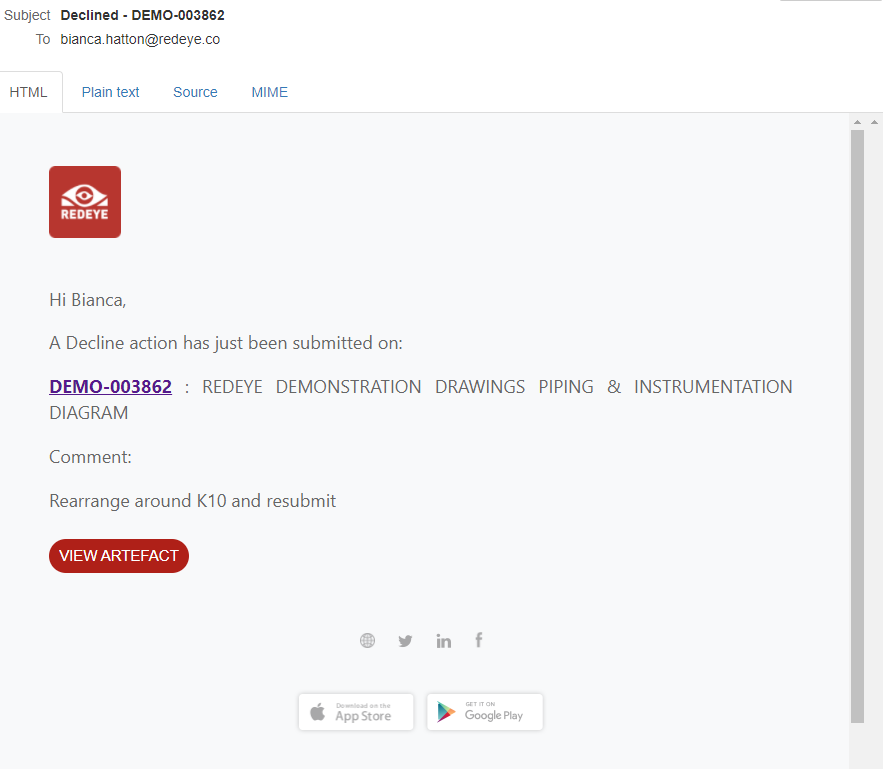
To use this feature, contact Customer Success.