Add Metadata to a single Artefact on the Artefact Page
Required Roles:
-
Bucket Administrator - Add/Edit
-
Group Administrator - Add/Edit
-
Bucket User - Add
-
Advanced Group User (Group User is prohibited from adding metadata) - Add
-
Drafter User - Add
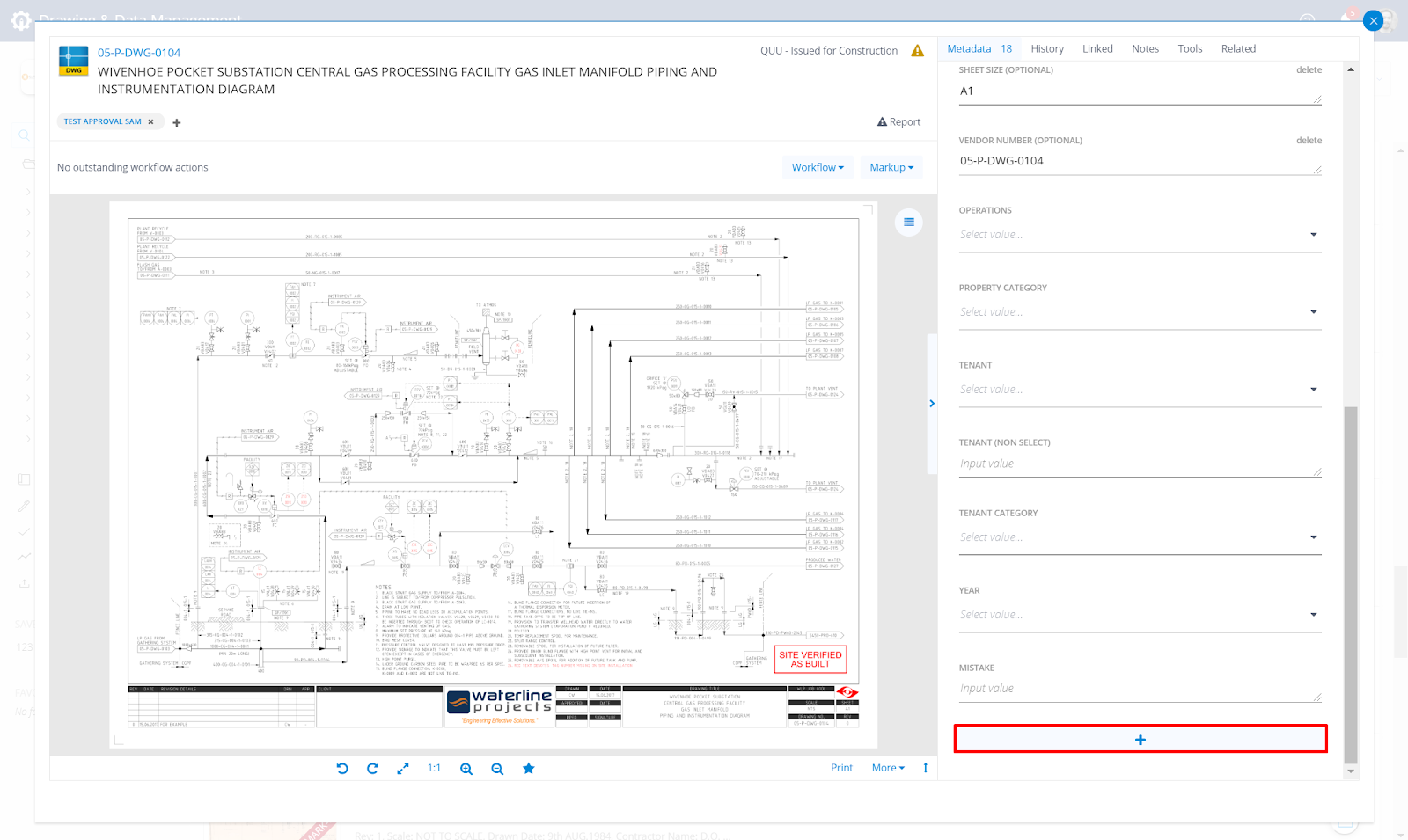
You can quickly add metadata to an artefact through the Artefact Page, in the Metadata section of the Sidebar.
Select the Add icon
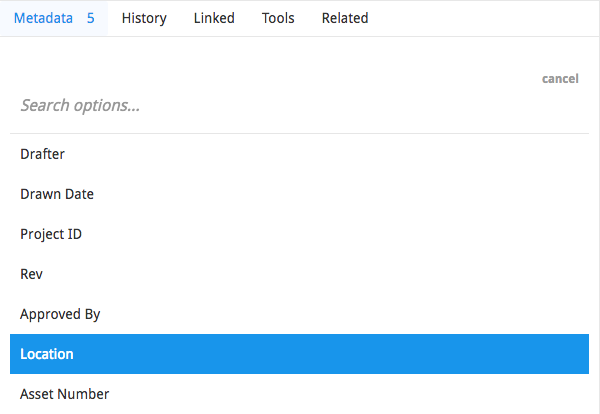
Select the Metadata Field you want to add.
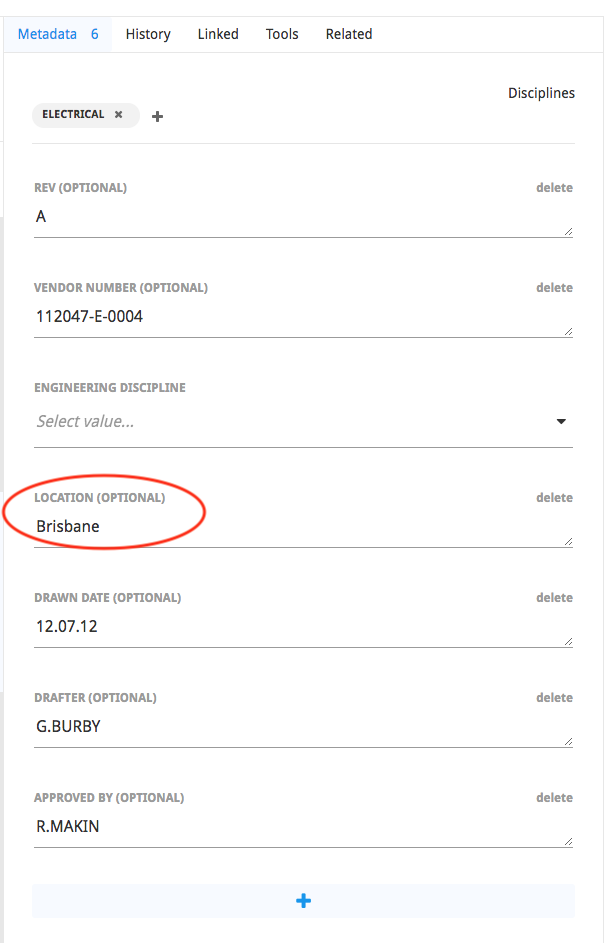
Next input a Value and use Enter to submit.

When you confirm, the artefact will be updated with this new Metadata.
Multiple Values
Some metadata fields can have more than one value (i.e. they are Not Unique). These settings can be configured by your administrators.
Adding additional values is easy now, and they will all be stored in the same row in your metadata view, separated by Pills.
Admins can edit each Pill singularly by clicking on their text, or remove a Pill by clicking on the X icon.
Free Text Fields
- Type the first value and press Enter to submit the first value (eg. BRISBANE)
- To populate a second value type Comma, then type the next value (eg. IPSWICH) and press Enter to submit the second value
Note: defer to step 3 if the first value is already contained in a bubble - To populate a third or further subsequent value type the next value and press Enter on the keyboard, to submit the subsequent value


List Selection Fields
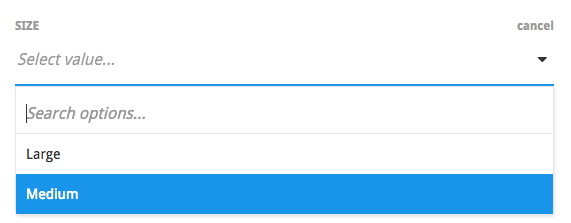
Where the field uses a Drop Down list selection, simply click into the field and choose a value from the drop down as normal.
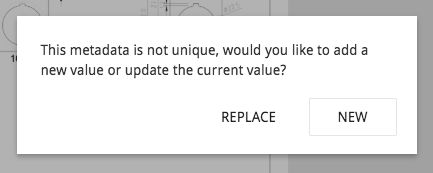
Where a value already existed in this field, you will be asked if you want to Replace the existing value, or add a new value.