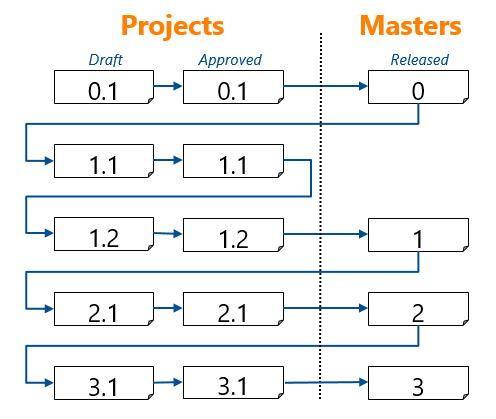
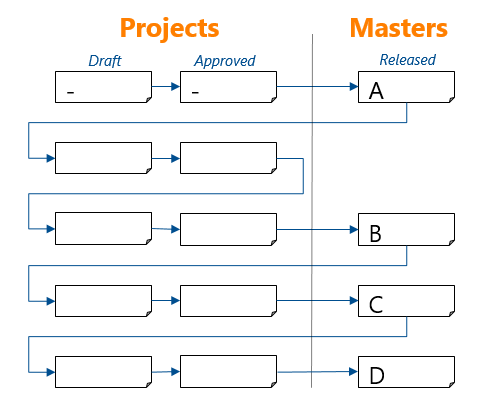
In PowerWeb, all document types except the Generic Document type are assigned revision numbers automatically by transitions in each type's workflow as follows.
In PowerWeb, all document types except the Generic Document type are assigned revision numbers automatically by transitions in each type's workflow as follows.
 Facility Document Type, Transmission Document type, and Project Document Type
Generic Document Type
Facility Document Type, Transmission Document type, and Project Document Type
Generic Document Type